
The related content block is used to highlight related content such as news, stories or research. Multiple options are available.
New!
Three-across
This new Drupal 2.0 block can be used with or without a background. We recommend using the dedicated background image for this section to maintain consistency across the site. It is available in every site's media library named related-content-bg.jpg.
Click on the "gear" icon in the editor to add your keywords, research terms, tags, etc to filter the feed.


Electrical Engineering student and UW Solar club project lead Shruti Misra is helping make solar power a reality
Shruti Misra, a senior in electrical engineering with a strong interest in sustainability, is committed to harnessing the sun’s energy — whether it’s through finding ways to control solar panels remotely or helping to oversee projects to get panels installed around campus.
This summer, she’s interning at Athena Energy, a startup that designs hybrid inverters for solar panels. Her role is to help make the panels "smart." Using her computer programming background, she’s finding ways for users to get data from the solar panels and control them via WiFi.
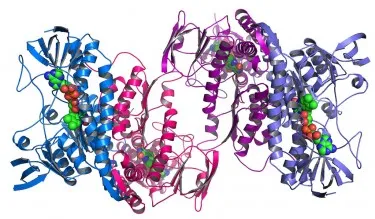
From protein design to self-driving cars: UW researchers win AI prize for new optimization approach
CSE machine learning researchers developed a radically new approach to data optimization. Their paper won the top prize at the world’s largest artificial intelligence conference. The new UW approach outperformed standard optimization techniques, in some instances by many orders of magnitude. “In some ways optimization is the most important problem you’ve never heard of because it turns up in all areas of science, engineering and business. But a lot of optimization problems are extremely difficult to solve because they have a huge number of variables that interact in intricate ways,” said senior author Pedro Domingos, UW professor of computer science and engineering.

CO2 emissions change with size of streams and rivers
The source of carbon dioxide emissions from streams and rivers has been unclear to scientists. David Butman, an assistant professor in CSE, has co-authored a study that shows the greenhouse gas appears in streams by way of two different sources — either as a direct pipeline for groundwater and carbon-rich soils, or from aquatic organisms releasing the gas through respiration and natural decay.
News or stories versions
Each non-Drupal 2.0 option has a version for News pages and a version for Story pages. News pages are used for all news stories and some featured stories. Story pages are used for media-heavy featured stories, known as "immersive stories," and other content that contains a lot of images and media.
Single item vertical
News and Page content type version
This block floats to the left or right of other page elements, allowing text to wrap around it.
Live example
Code
This code floats the block to the left of page content. To float right, change float-sm-left to float-sm-right.
<div class="mb-3 mr-sm-3 float-sm-left col-lg-4 col-md-6 p-0">
<div class="p-3 bg-info" style="border-top: 30px solid transparent; border-image: url(https://www.engr.washington.edu/sites/engr/files/imgs/diagonal-lines-border.png) 30">
<h3 class="mt-0">Related story</h3>
<div class="w-25" style="border-top: 6px solid #85754d"> </div>
<img alt="#" class="mb-2" loading="lazy" src="img.jpg">
<p class="small text-dark font-weight-bold my-2 text-uppercase">Tag</p>
<h4 class="h3 mt-0"><a href="#">Headline goes here</a></h4>
<p>Body text goes here.</p>
</div>
</div>
Story and Layout content type
This block goes in the sidebar, to the right of the main content. Text will not wrap around it.
Live example
Code
Place this code in the "Aside Text" within a "Copy Block with Aside" block. The CSS only needs to be on the page once; it's not needed if it's already in another block.
<style type="text/css">
.uwcoe-stories-aside {padding: 0;}
</style>
<div class="p-3 bg-info" style="border-top: 30px solid transparent; border-image: url(https://www.engr.washington.edu/sites/engr/files/imgs/diagonal-lines-border.png) 30">
<h3 class="mt-0">Related story</h3>
<div class="w-25" style="border-top: 6px solid #85754d"> </div>
<img alt="alt text" class="mb-2" loading="lazy" src="img.jpg" />
<p class="small text-dark font-weight-bold my-2 text-uppercase">Tag</p>
<h4 class="h3 mt-0"><a href="#">Headline goes here</a></h4>
<p>Body text goes here.</p>
</div>
Two items vertical
News and Page content type version
This block floats to the left or right of other page elements, allowing text to wrap around it.
Live example
Code
This code floats the block to the right of page content. To float left, change float-sm-right to float-sm-left.
<div class="mb-3 float-sm-right col-lg-4 col-md-6 p-0">
<div class="px-4 bg-white">
<h3 class="mt-0">Related story</h3>
<div class="w-25" style="border-top: 6px solid #85754d"> </div>
<p class="small text-dark font-weight-bold my-2 text-uppercase">Tag</p>
<h4 class="h3 mt-0"><a href="#">Headline goes here</a></h4>
<p class="mb-4">Body text goes here.</p>
<p class="small text-dark font-weight-bold my-2 text-uppercase">Tag</p>
<h4 class="h3 mt-0"><a href="#">Headline goes here</a></h4>
<p>Body text goes here.</p>
</div>
</div>
Story and Layout content type
This block goes in the sidebar, to the right of the main content. Text will not wrap around it.
Live example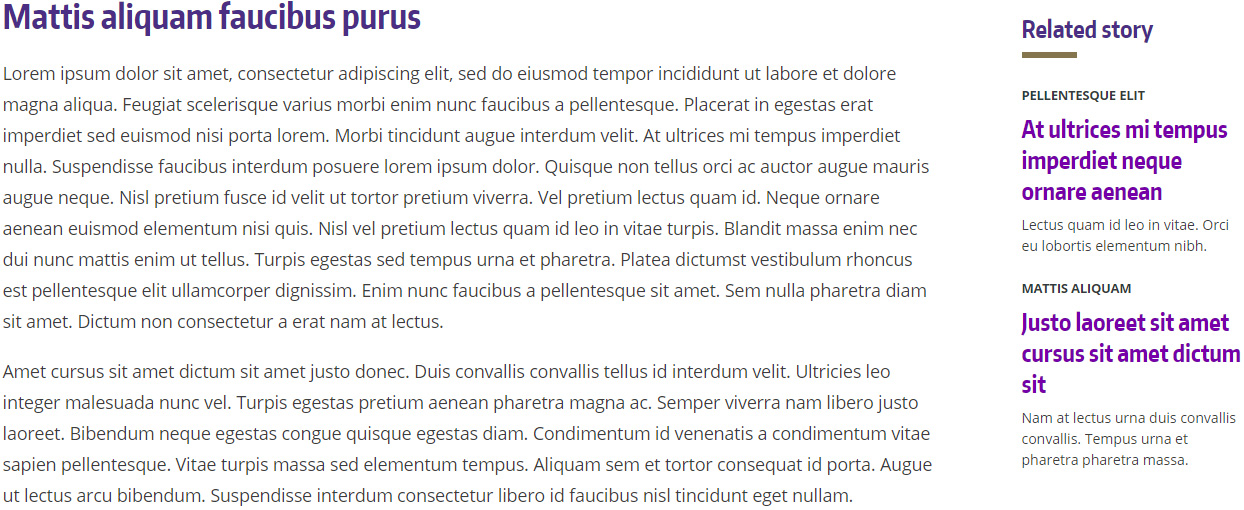
Code
Place this code in the "Aside Text" within a "Copy Block with Aside" block. The CSS only needs to be on the page once; it's not needed if it's already in another block.
<style type="text/css">
.uwcoe-stories-aside {padding: 0;}
</style>
<div class="p-3 bg-white">
<h3 class="mt-0">Related story</h3>
<div class="w-25" style="border-top: 6px solid #85754d"> </div>
<p class="small text-dark font-weight-bold my-2 text-uppercase">Tag</p>
<h4 class="h3 mt-0"><a href="#">Headline goes here</a></h4>
<p class="mb-4">Body text goes here.</p>
<p class="small text-dark font-weight-bold my-2 text-uppercase">Tag</p>
<h4 class="h3 mt-0"><a href="#">Headline goes here</a></h4>
<p>Body text goes here.</p>
</div>
Two items horizontal
News and Page content type version
This block spans the width of the page and goes between paragraphs or sections.
Live example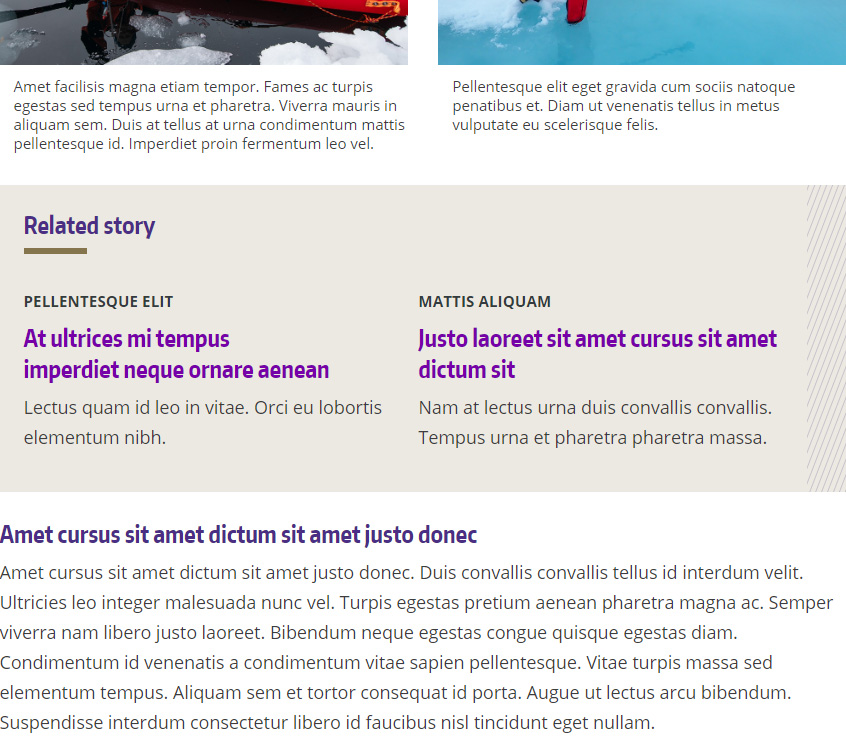
Code
<div class="p-4 my-3 bg-info" style="border-right: 40px solid transparent; border-image: url(https://www.engr.washington.edu/sites/engr/files/imgs/diagonal-lines-vertical.png) 40">
<h3 class="mt-0">Related story</h3>
<div class="col-1" style="border-top: 6px solid #85754d"> </div>
<div class="row">
<div class="col-md-6">
<p class="small text-dark font-weight-bold my-2 text-uppercase">Tag</p>
<h4 class="h3 mt-0"><a href="#">Hereline goes here</a></h4>
<p>Body text goes here.</p>
</div>
<div class="col-md-6">
<p class="small text-dark font-weight-bold my-2 text-uppercase">Tag</p>
<h4 class="h3 mt-0"><a href="#">Hereline goes here</a></h4>
<p>Body text goes here.</p>
</div>
</div>
</div>
Story and Layout content type
This block is slightly wider than body text and goes between paragraphs or sections.
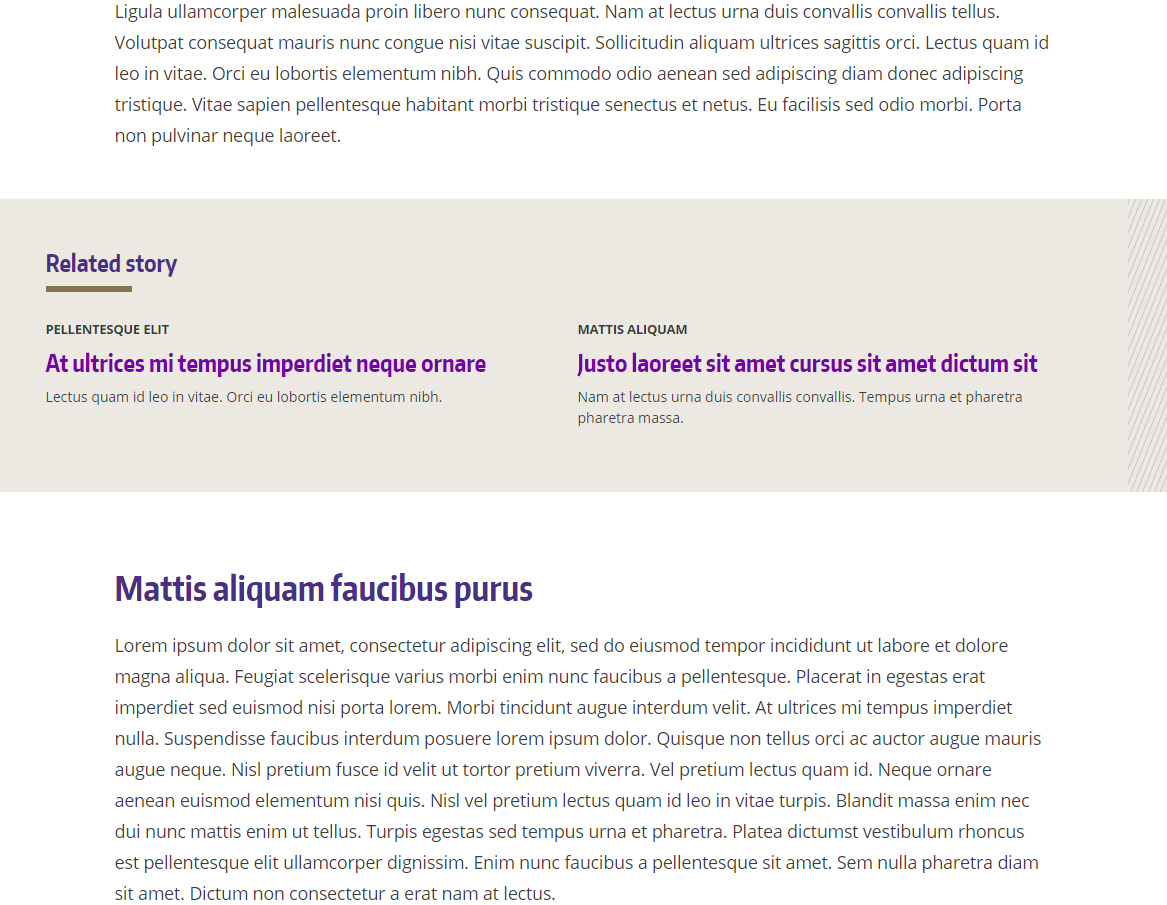
Code
Place this code in a Custom Block.
<div class="p-5 container my-5 bg-info" style="border-right: 40px solid transparent; border-image: url(https://www.engr.washington.edu/sites/engr/files/imgs/diagonal-lines-vertical.png) 40">
<h3 class="mt-0">Related story</h3>
<div class="col-1" style="border-top: 6px solid #85754d"> </div>
<div class="row">
<div class="col-sm-6">
<p class="small text-dark font-weight-bold my-2 text-uppercase">Tag</p>
<h4 class="h3 mt-0"><a href="#">Headline goes here</a></h4>
<p>Body text goes here.</p>
</div>
<div class="col-sm-6">
<p class="small text-dark font-weight-bold my-2 text-uppercase">Tag</p>
<h4 class="h3 mt-0"><a href="#">Headline goes here</a></h4>
<p>Body text goes here.</p>
</div>
</div>
</div>
Link list
News and Page content type version
This block floats to the left or right of other page elements, allowing text to wrap around it.
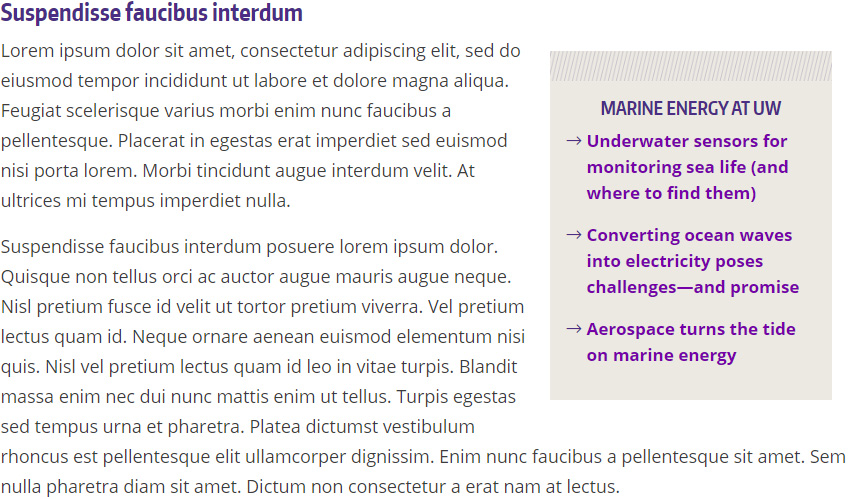
Code
This code floats the block to the right of page content. To float left, change float-sm-right to float-sm-left.
<div class="my-3 mx-sm-3 float-sm-right col-lg-4 col-md-6 p-0">
<div class="p-3 bg-info" style="border-top: 30px solid transparent; border-image: url(https://www.engr.washington.edu/sites/engr/files/imgs/diagonal-lines-border.png) 30">
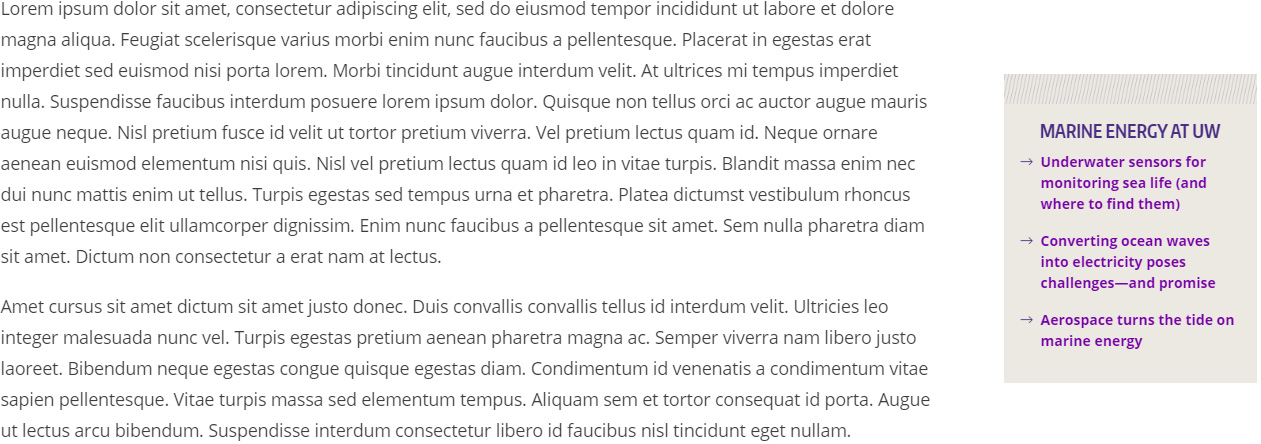
<h3 class="h4 mt-0 text-uppercase text-center">Marine energy at UW</h3>
<div class="row mb-3">
<div class="col-1 px-3"><i class="fal fa-long-arrow-right text-primary"> </i></div>
<div class="col-10 px-1"><strong><a href="https://www.washington.edu/news/2018/12/13/new-underwater-sensors-for-sea-life/">Underwater sensors for monitoring sea life (and where to find them)</a></strong></div>
</div>
<div class="row mb-3">
<div class="col-1 px-3"><i class="fal fa-long-arrow-right text-primary"> </i></div>
<div class="col-10 px-1"><strong><a href="https://magazine.washington.edu/feature/converting-ocean-waves-into-electricity-poses-challenges-and-promise/">Converting ocean waves into electricity poses challenges—and promise</a></strong></div>
</div>
<div class="row mb-3">
<div class="col-1 px-3"><i class="fal fa-long-arrow-right text-primary"> </i></div>
<div class="col-10 px-1"><strong><a href="https://www.aa.washington.edu/news/article/2020-04-29/aerospace-turns-tide-marine-energy">Aerospace turns the tide on marine energy</a></strong></div>
</div>
</div>
</div>
Story and Layout content type
This block goes in the sidebar, to the right of the main content. Text will not wrap around it.
Code
Place this code in the "Aside Text" within a "Copy Block with Aside" block. The CSS only needs to be on the page once; it's not needed if it's already in another block.
<style type="text/css">
.uwcoe-stories-aside {padding: 0;}
</style>
<div class="p-3 bg-info" style="border-top: 30px solid transparent; border-image: url(https://www.engr.washington.edu/sites/engr/files/imgs/diagonal-lines-border.png) 30">
<h3 class="h4 mt-0 text-uppercase text-center">Headline goes here</h3>
<div class="row mb-3">
<div class="col-1 px-3"><i class="fal fa-long-arrow-right text-primary"> </i></div>
<div class="col-10 px-1"><strong><a href="#">Link text</a></strong></div>
</div>
<div class="row mb-3">
<div class="col-1 px-3"><i class="fal fa-long-arrow-right text-primary"> </i></div>
<div class="col-10 px-1"><strong><a href="#">Link text</a></strong></div>
</div>
<div class="row mb-3">
<div class="col-1 px-3"><i class="fal fa-long-arrow-right text-primary"> </i></div>
<div class="col-10 px-1"><strong><a href="#">Link text</a></strong></div>
</div>
</div>