
The related content block is used to highlight related content such as news, stories or research. Multiple options are available.
New!
Three-across
This new Drupal 2.0 block can be used with or without a background. We recommend using the dedicated background image for this section to maintain consistency across the site. It is available in every site's media library named related-content-bg.jpg.
Click on the "gear" icon in the editor to add your keywords, research terms, tags, etc to filter the feed.

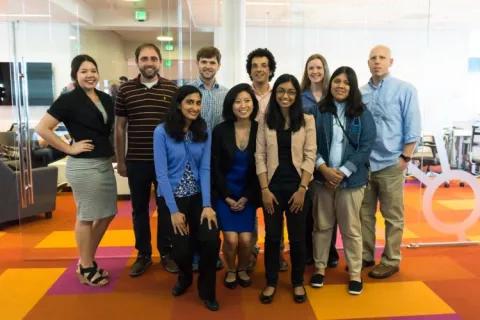
UW students put data science skills to use for social good
Data scientists at the UW’s eScience Institute took a break from their typical work helping researchers and professors to incorporate cutting-edge technologies and data-based methods into their academic pursuits. Instead, they launched the Data Science for Social Good program which harnessed their expertise to address pressing urban issues closer to home. The program paired data scientists with students and local nonprofit and government partners. These interdisciplinary teams worked on projects to reduce family homelessness, improve paratransit bus service, foster community well-being and map better sidewalk routes for people with mobility challenges.

Per Reinhall sabbatical; John Kramlich to step in
From Dean Mike Bragg
This fall quarter, Per Reinhall, chair of mechanical engineering, will take a well-deserved sabbatical leave. Professor John Kramlich has agreed to serve as acting chair of ME during Per's leave. John's appointment begins on September 16, 2015 and Per will return as chair on December 16, 2015.
I am grateful that John is willing to assume this role in service to the department and college. ME is making great strides in their identified areas of research which include energy, health, mechatronics, and advanced materials and manufacturing. I look forward to working with John as he continues to advance the important work taking place in ME by their faculty, staff and students.
Please join me in welcoming Professor Kramlich on board in September as acting chair of ME.

Nominate an Engineer
If you know an engineer who deserves recognition, we want to hear from you! The Diamond Awards honor outstanding alumni and friends who have made significant contributions to the field of engineering. Take a little time to nominate an engineer to join the distinguished ranks of Diamond Award honorees in one of 6 categories this year.
News or stories versions
Each non-Drupal 2.0 option has a version for News pages and a version for Story pages. News pages are used for all news stories and some featured stories. Story pages are used for media-heavy featured stories, known as "immersive stories," and other content that contains a lot of images and media.
Single item vertical
News and Page content type version
This block floats to the left or right of other page elements, allowing text to wrap around it.
Live example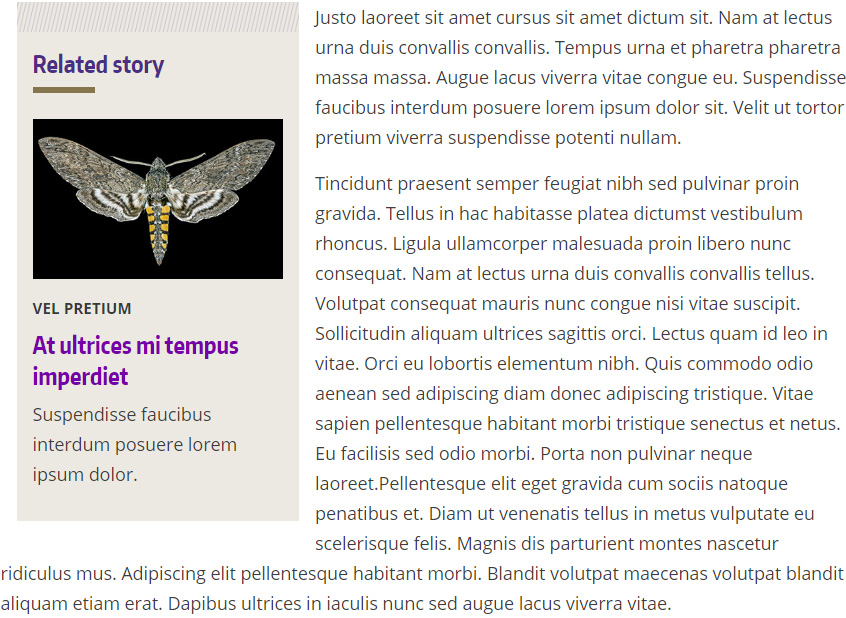
Code
This code floats the block to the left of page content. To float right, change float-sm-left to float-sm-right.
<div class="mb-3 mr-sm-3 float-sm-left col-lg-4 col-md-6 p-0">
<div class="p-3 bg-info" style="border-top: 30px solid transparent; border-image: url(https://www.engr.washington.edu/sites/engr/files/imgs/diagonal-lines-border.png) 30">
<h3 class="mt-0">Related story</h3>
<div class="w-25" style="border-top: 6px solid #85754d"> </div>
<img alt="#" class="mb-2" loading="lazy" src="img.jpg">
<p class="small text-dark font-weight-bold my-2 text-uppercase">Tag</p>
<h4 class="h3 mt-0"><a href="#">Headline goes here</a></h4>
<p>Body text goes here.</p>
</div>
</div>
Story and Layout content type
This block goes in the sidebar, to the right of the main content. Text will not wrap around it.
Live example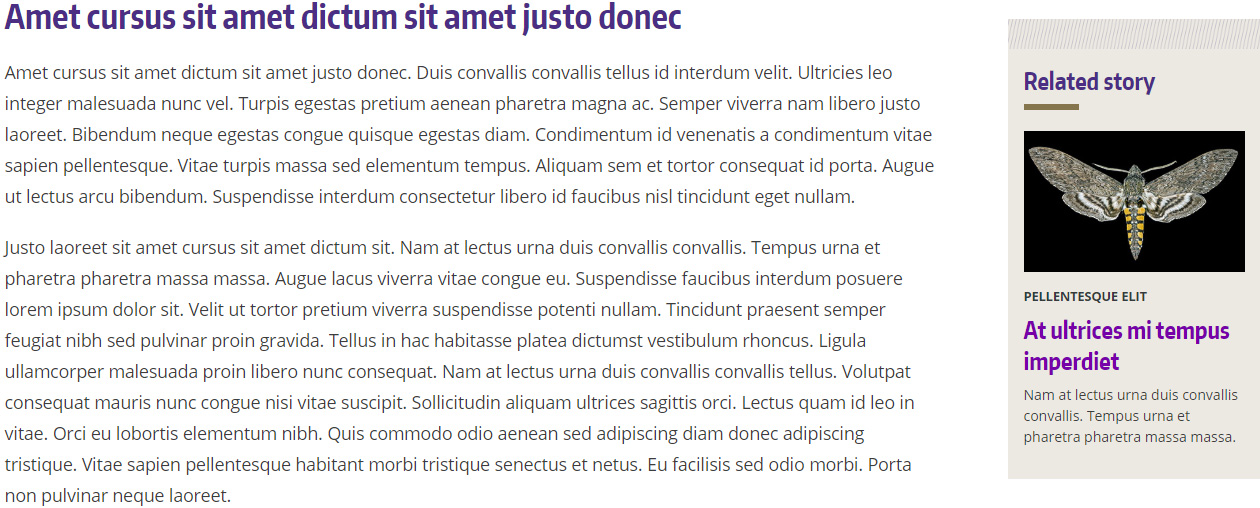
Code
Place this code in the "Aside Text" within a "Copy Block with Aside" block. The CSS only needs to be on the page once; it's not needed if it's already in another block.
<style type="text/css">
.uwcoe-stories-aside {padding: 0;}
</style>
<div class="p-3 bg-info" style="border-top: 30px solid transparent; border-image: url(https://www.engr.washington.edu/sites/engr/files/imgs/diagonal-lines-border.png) 30">
<h3 class="mt-0">Related story</h3>
<div class="w-25" style="border-top: 6px solid #85754d"> </div>
<img alt="alt text" class="mb-2" loading="lazy" src="img.jpg" />
<p class="small text-dark font-weight-bold my-2 text-uppercase">Tag</p>
<h4 class="h3 mt-0"><a href="#">Headline goes here</a></h4>
<p>Body text goes here.</p>
</div>
Two items vertical
News and Page content type version
This block floats to the left or right of other page elements, allowing text to wrap around it.
Live example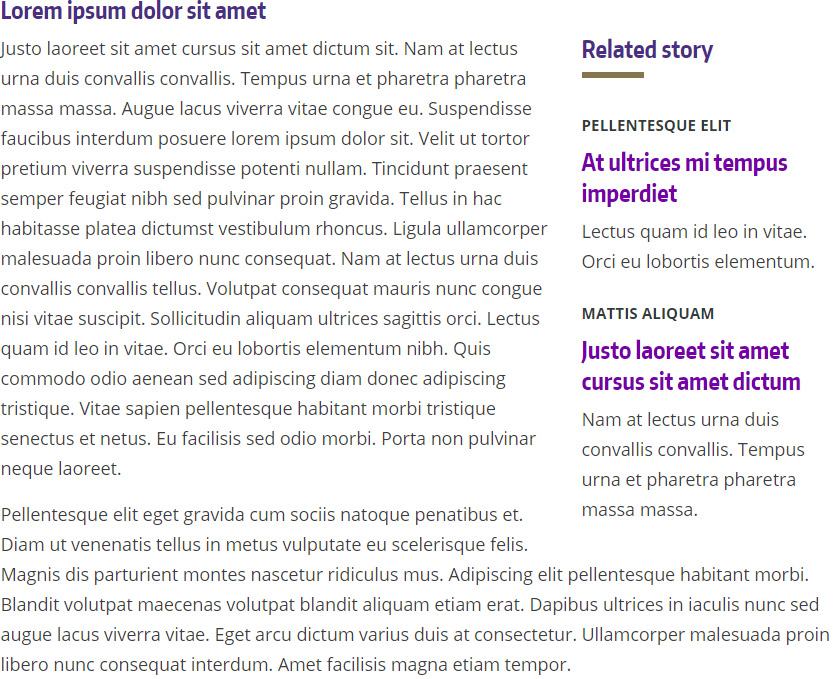
Code
This code floats the block to the right of page content. To float left, change float-sm-right to float-sm-left.
<div class="mb-3 float-sm-right col-lg-4 col-md-6 p-0">
<div class="px-4 bg-white">
<h3 class="mt-0">Related story</h3>
<div class="w-25" style="border-top: 6px solid #85754d"> </div>
<p class="small text-dark font-weight-bold my-2 text-uppercase">Tag</p>
<h4 class="h3 mt-0"><a href="#">Headline goes here</a></h4>
<p class="mb-4">Body text goes here.</p>
<p class="small text-dark font-weight-bold my-2 text-uppercase">Tag</p>
<h4 class="h3 mt-0"><a href="#">Headline goes here</a></h4>
<p>Body text goes here.</p>
</div>
</div>
Story and Layout content type
This block goes in the sidebar, to the right of the main content. Text will not wrap around it.
Live example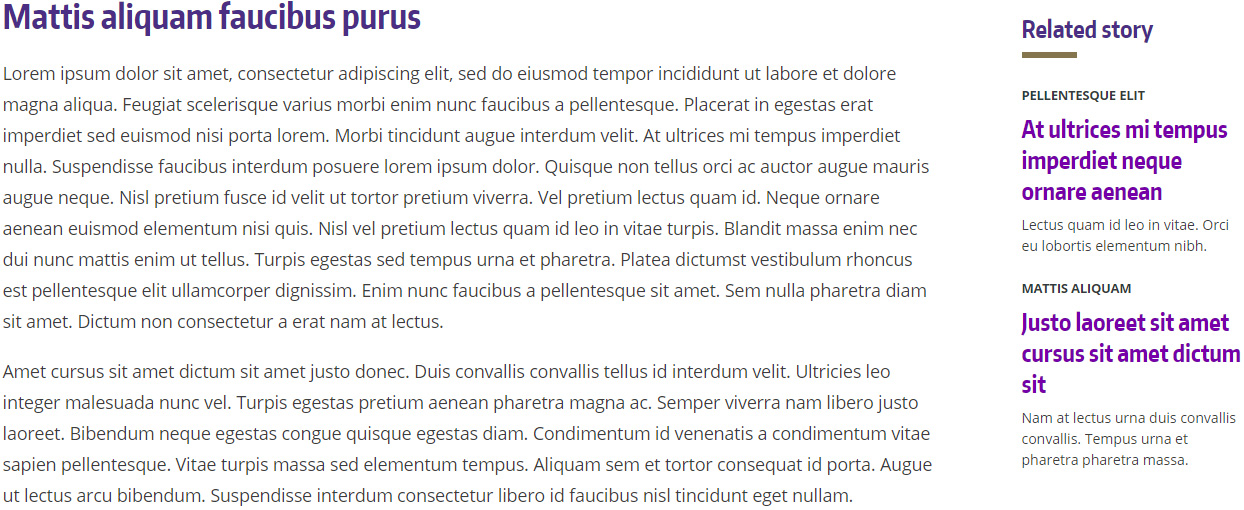
Code
Place this code in the "Aside Text" within a "Copy Block with Aside" block. The CSS only needs to be on the page once; it's not needed if it's already in another block.
<style type="text/css">
.uwcoe-stories-aside {padding: 0;}
</style>
<div class="p-3 bg-white">
<h3 class="mt-0">Related story</h3>
<div class="w-25" style="border-top: 6px solid #85754d"> </div>
<p class="small text-dark font-weight-bold my-2 text-uppercase">Tag</p>
<h4 class="h3 mt-0"><a href="#">Headline goes here</a></h4>
<p class="mb-4">Body text goes here.</p>
<p class="small text-dark font-weight-bold my-2 text-uppercase">Tag</p>
<h4 class="h3 mt-0"><a href="#">Headline goes here</a></h4>
<p>Body text goes here.</p>
</div>
Two items horizontal
News and Page content type version
This block spans the width of the page and goes between paragraphs or sections.
Live example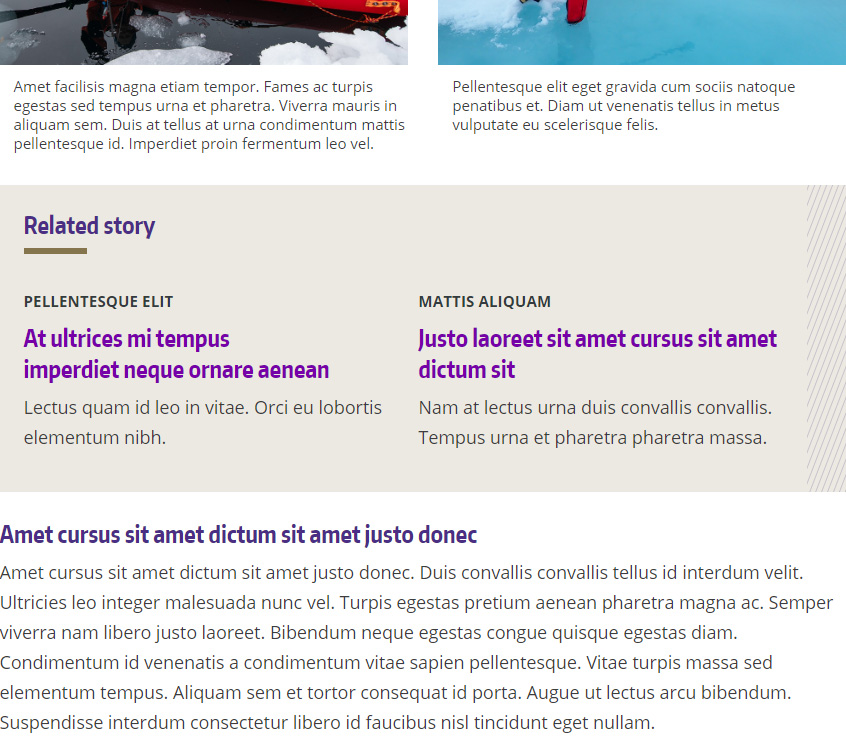
Code
<div class="p-4 my-3 bg-info" style="border-right: 40px solid transparent; border-image: url(https://www.engr.washington.edu/sites/engr/files/imgs/diagonal-lines-vertical.png) 40">
<h3 class="mt-0">Related story</h3>
<div class="col-1" style="border-top: 6px solid #85754d"> </div>
<div class="row">
<div class="col-md-6">
<p class="small text-dark font-weight-bold my-2 text-uppercase">Tag</p>
<h4 class="h3 mt-0"><a href="#">Hereline goes here</a></h4>
<p>Body text goes here.</p>
</div>
<div class="col-md-6">
<p class="small text-dark font-weight-bold my-2 text-uppercase">Tag</p>
<h4 class="h3 mt-0"><a href="#">Hereline goes here</a></h4>
<p>Body text goes here.</p>
</div>
</div>
</div>
Story and Layout content type
This block is slightly wider than body text and goes between paragraphs or sections.
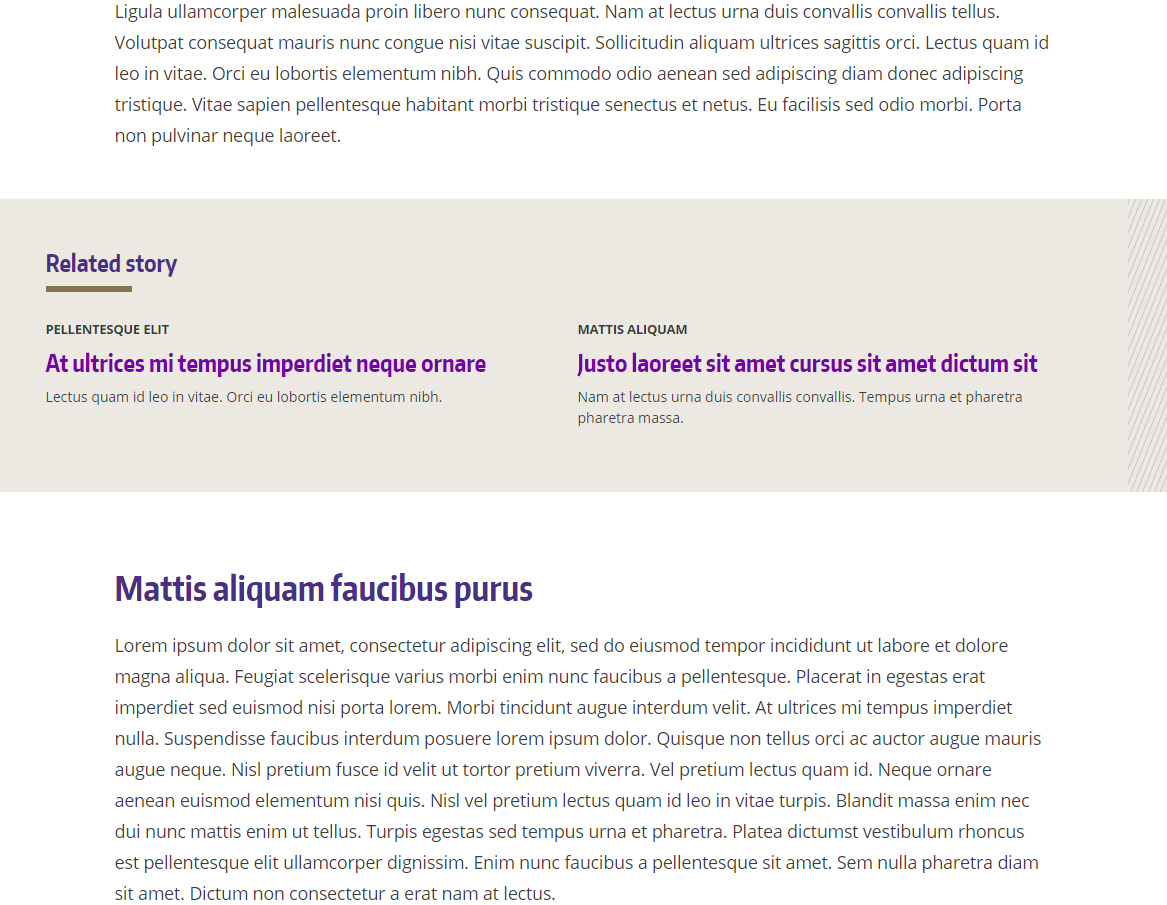
Code
Place this code in a Custom Block.
<div class="p-5 container my-5 bg-info" style="border-right: 40px solid transparent; border-image: url(https://www.engr.washington.edu/sites/engr/files/imgs/diagonal-lines-vertical.png) 40">
<h3 class="mt-0">Related story</h3>
<div class="col-1" style="border-top: 6px solid #85754d"> </div>
<div class="row">
<div class="col-sm-6">
<p class="small text-dark font-weight-bold my-2 text-uppercase">Tag</p>
<h4 class="h3 mt-0"><a href="#">Headline goes here</a></h4>
<p>Body text goes here.</p>
</div>
<div class="col-sm-6">
<p class="small text-dark font-weight-bold my-2 text-uppercase">Tag</p>
<h4 class="h3 mt-0"><a href="#">Headline goes here</a></h4>
<p>Body text goes here.</p>
</div>
</div>
</div>
Link list
News and Page content type version
This block floats to the left or right of other page elements, allowing text to wrap around it.
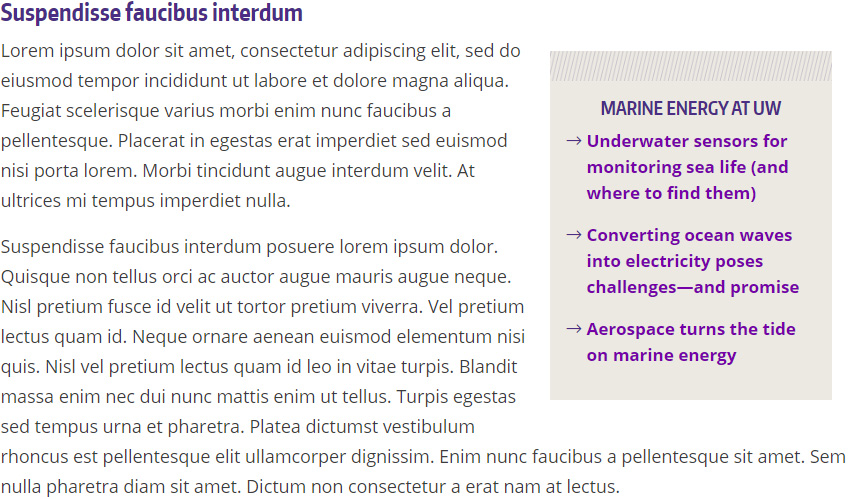
Code
This code floats the block to the right of page content. To float left, change float-sm-right to float-sm-left.
<div class="my-3 mx-sm-3 float-sm-right col-lg-4 col-md-6 p-0">
<div class="p-3 bg-info" style="border-top: 30px solid transparent; border-image: url(https://www.engr.washington.edu/sites/engr/files/imgs/diagonal-lines-border.png) 30">
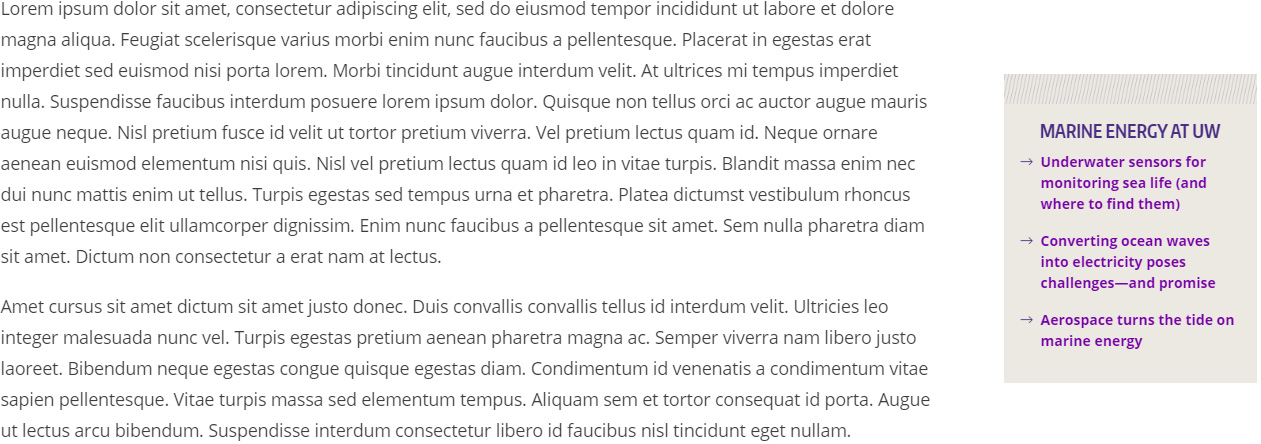
<h3 class="h4 mt-0 text-uppercase text-center">Marine energy at UW</h3>
<div class="row mb-3">
<div class="col-1 px-3"><i class="fal fa-long-arrow-right text-primary"> </i></div>
<div class="col-10 px-1"><strong><a href="https://www.washington.edu/news/2018/12/13/new-underwater-sensors-for-sea-life/">Underwater sensors for monitoring sea life (and where to find them)</a></strong></div>
</div>
<div class="row mb-3">
<div class="col-1 px-3"><i class="fal fa-long-arrow-right text-primary"> </i></div>
<div class="col-10 px-1"><strong><a href="https://magazine.washington.edu/feature/converting-ocean-waves-into-electricity-poses-challenges-and-promise/">Converting ocean waves into electricity poses challenges—and promise</a></strong></div>
</div>
<div class="row mb-3">
<div class="col-1 px-3"><i class="fal fa-long-arrow-right text-primary"> </i></div>
<div class="col-10 px-1"><strong><a href="https://www.aa.washington.edu/news/article/2020-04-29/aerospace-turns-tide-marine-energy">Aerospace turns the tide on marine energy</a></strong></div>
</div>
</div>
</div>
Story and Layout content type
This block goes in the sidebar, to the right of the main content. Text will not wrap around it.
Code
Place this code in the "Aside Text" within a "Copy Block with Aside" block. The CSS only needs to be on the page once; it's not needed if it's already in another block.
<style type="text/css">
.uwcoe-stories-aside {padding: 0;}
</style>
<div class="p-3 bg-info" style="border-top: 30px solid transparent; border-image: url(https://www.engr.washington.edu/sites/engr/files/imgs/diagonal-lines-border.png) 30">
<h3 class="h4 mt-0 text-uppercase text-center">Headline goes here</h3>
<div class="row mb-3">
<div class="col-1 px-3"><i class="fal fa-long-arrow-right text-primary"> </i></div>
<div class="col-10 px-1"><strong><a href="#">Link text</a></strong></div>
</div>
<div class="row mb-3">
<div class="col-1 px-3"><i class="fal fa-long-arrow-right text-primary"> </i></div>
<div class="col-10 px-1"><strong><a href="#">Link text</a></strong></div>
</div>
<div class="row mb-3">
<div class="col-1 px-3"><i class="fal fa-long-arrow-right text-primary"> </i></div>
<div class="col-10 px-1"><strong><a href="#">Link text</a></strong></div>
</div>
</div>