
Icons are a good way to increase visual interest and call attention to information.
Font Awesome
UW Engineering MarCom uses Font Awesome icons throughout the site. Choose from thousands of icons and select styles within our icon packs. We have the following combinations of icon packs and styles available on Drupal: Brands, Classic (Solid, Regular, Light), and Sharp Duotone (Regular). CoE and department sites have access to version 6.7.2 of Font Awesome, so please keep that in mind when searching for an icon to use on a web page.
How to add an icon
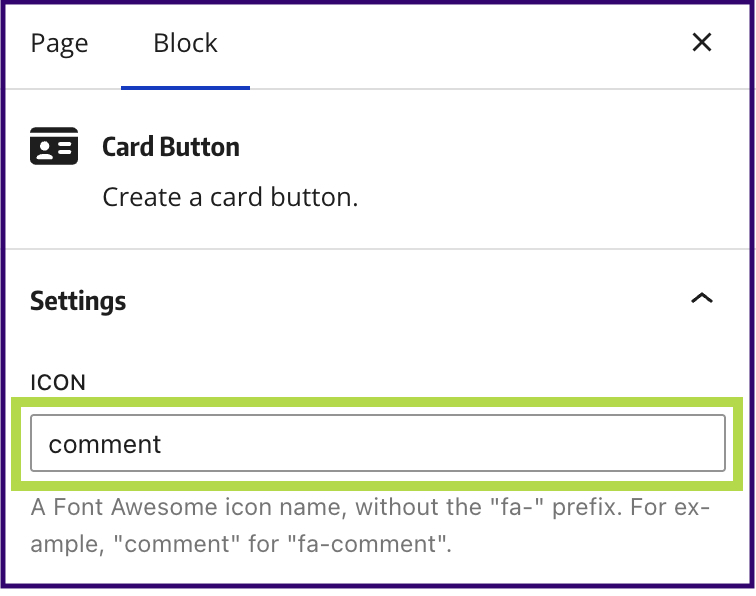
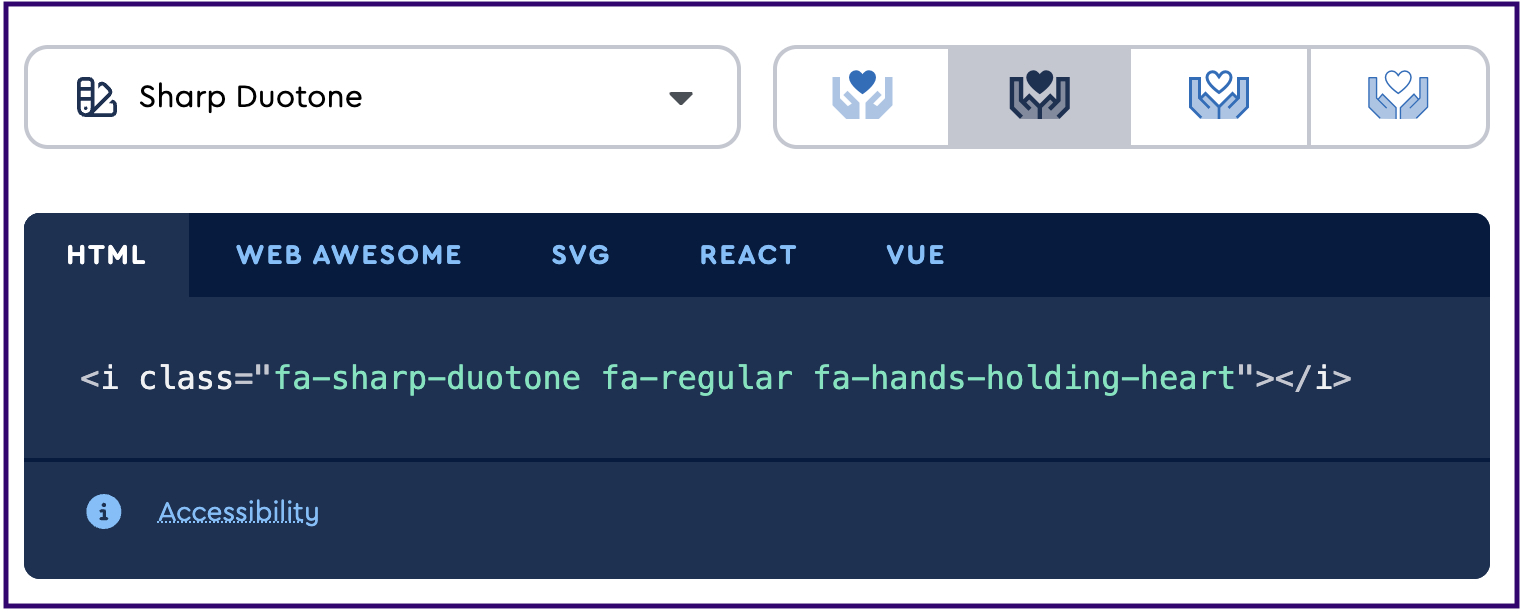
For many blocks in Drupal 2.0, an icon is added via a field with the icon name. The Card Button block is a good example of this. In other cases, use the <i> tag with the appropriate class names for the icon and style. Font Awesome provides a very convenient click-to-copy method on their site for getting the code snippets for any icon.
Icon packs and styles
Classic
Solid
Regular
Light
Code
<i class="fa-solid fa-mountain-city fa-4x text-primary"></i>
<i class="fa-regular fa-mountain-city fa-4x text-primary"></i>
<i class="fa-light fa-mountain-city fa-4x text-primary"></i>
- Font Awesome class names are always prefixed with '
fa-' solid,regular, andlightare the stylesmountain-cityis the name of the icon4xis the relative size of the icon (optional)text-primaryupdates the color of the icon using our Bootstrap classes
Sharp Duotone
This set of icons only has the Regular style available. Additionally, Sharp Duotone icons currently only support the Husky Purple and Accent Lavender color combination as shown below.
Code
<i class="fa-sharp-duotone fa-regular fa-gear-code fa-5x"></i>
<i class="fa-sharp-duotone fa-regular fa-lightbulb-on fa-5x"></i>
<i class="fa-sharp-duotone fa-regular fa-icons fa-5x"></i>
Social media icons
These icons come from the Brands icon pack but are implemented with the <a> tag to be linked.
Code
<p>
    <a href="/social-link" title="Facebook">
        <i class="fa-brands fa-facebook-f"></i>
    </a>

    <a href="/social-link" title="Instagram">
        <i class="fa-brands fa-instagram"></i>
    </a>

    <a href="/social-link" title="LinkedIn">
        <i class="fa-brands fa-linkedin-in"></i>
    </a>

    <a href="/social-link" title="YouTube">
        <i class="fa-brands fa-youtube"></i>
    </a>
</p>