
The related content block is used to highlight related content such as news, stories or research. Multiple options are available.
New!
Three-across
This new Drupal 2.0 block can be used with or without a background. We recommend using the dedicated background image for this section to maintain consistency across the site. It is available in every site's media library named related-content-bg.jpg.
Click on the "gear" icon in the editor to add your keywords, research terms, tags, etc to filter the feed.


Clean, efficient cookstoves from UW-industry partnership to be manufactured in Kenya
An efficient and clean wood-burning cookstove developed by a local non-profit lab in close collaboration with UW mechanical engineers will reduce the amount of fuel rural families in the developing world need to collect or buy and reduce exposure to harmful particulate pollution produced by traditional cooking flames.
The new wood-burning cookstove will be manufactured in BURN Manufacturing’s factory in Nairobi, Kenya beginning this summer and sold across East Africa. “If women have to collect twice as much wood to cook their food, then they’re spending less time raising themselves out of poverty,” said Jonathan Posner, UW associate professor of mechanical engineering and principal investigator of the Department of Energy-funded Clean Cookstove Lab at the UW.

UW engineers achieve Wi-Fi at 10,000 times lower power
UW computer scientists and electrical engineers have generated "passive" Wi-Fi transmissions that use 10,000 times less power than current methods that drain the batteries on connected devices.
The new Passive Wi-Fi system also consumes 1,000 times less power than existing energy-efficient wireless communication platforms, such as Bluetooth Low Energy and Zigbee. A paper describing those results will be presented in March at the 13th USENIX Symposium on Networked Systems Design and Implementation.

Three UW professors win Presidential Early Career Award for Scientists and Engineers
Two UW engineering professors have received the 2016 Presidential Early Career Award for Scientists and Engineers, the highest honor given by the U.S. government to early career scientists and engineers.
Shwetak Patel, a nationally recognized expert in sensor systems research who directs the UW’s UbiComp Lab, was cited for "inventing low-cost, easy-to-deploy sensor systems that leverage existing infrastructures to enable users to track household energy consumption and make the buildings we live in more responsive to our needs."
Luke Zettlemoyer's research explores the intersection of natural language processing, machine learning and decision making under uncertainty. In his nomination, he was cited for his "outstanding research accomplishments in computational semantics" that "have the potential to completely revolutionize how we retrieve information and interact with computers."
News or stories versions
Each non-Drupal 2.0 option has a version for News pages and a version for Story pages. News pages are used for all news stories and some featured stories. Story pages are used for media-heavy featured stories, known as "immersive stories," and other content that contains a lot of images and media.
Single item vertical
News and Page content type version
This block floats to the left or right of other page elements, allowing text to wrap around it.
Live example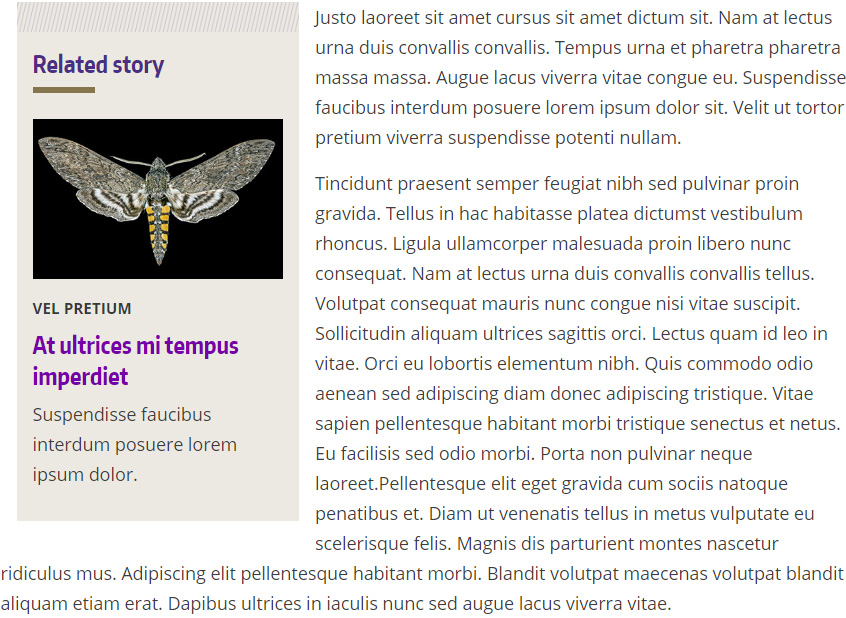
Code
This code floats the block to the left of page content. To float right, change float-sm-left to float-sm-right.
<div class="mb-3 mr-sm-3 float-sm-left col-lg-4 col-md-6 p-0">
<div class="p-3 bg-info" style="border-top: 30px solid transparent; border-image: url(https://www.engr.washington.edu/sites/engr/files/imgs/diagonal-lines-border.png) 30">
<h3 class="mt-0">Related story</h3>
<div class="w-25" style="border-top: 6px solid #85754d"> </div>
<img alt="#" class="mb-2" loading="lazy" src="img.jpg">
<p class="small text-dark font-weight-bold my-2 text-uppercase">Tag</p>
<h4 class="h3 mt-0"><a href="#">Headline goes here</a></h4>
<p>Body text goes here.</p>
</div>
</div>
Story and Layout content type
This block goes in the sidebar, to the right of the main content. Text will not wrap around it.
Live example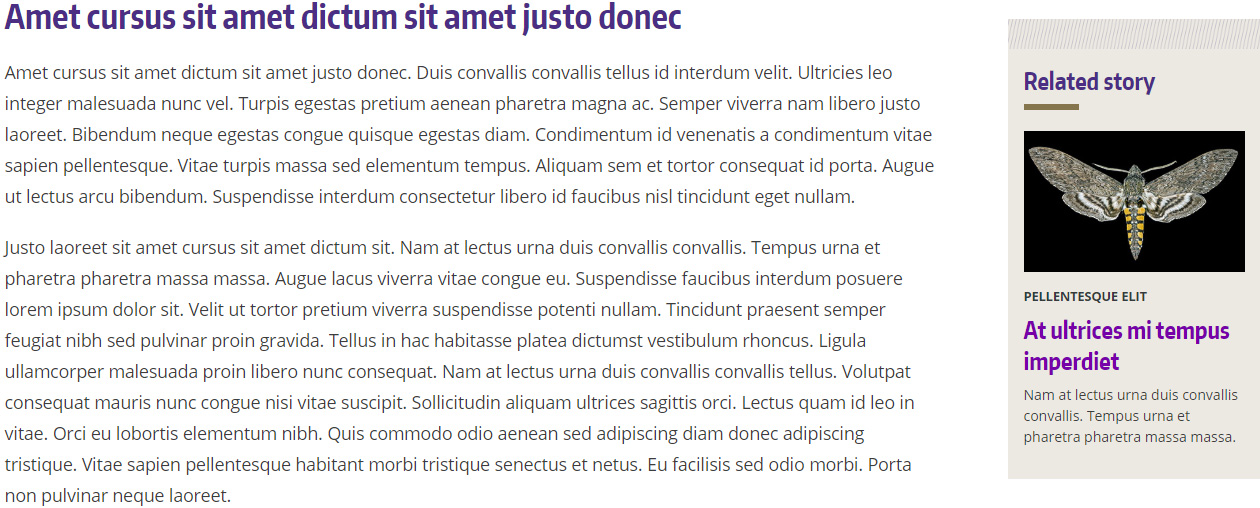
Code
Place this code in the "Aside Text" within a "Copy Block with Aside" block. The CSS only needs to be on the page once; it's not needed if it's already in another block.
<style type="text/css">
.uwcoe-stories-aside {padding: 0;}
</style>
<div class="p-3 bg-info" style="border-top: 30px solid transparent; border-image: url(https://www.engr.washington.edu/sites/engr/files/imgs/diagonal-lines-border.png) 30">
<h3 class="mt-0">Related story</h3>
<div class="w-25" style="border-top: 6px solid #85754d"> </div>
<img alt="alt text" class="mb-2" loading="lazy" src="img.jpg" />
<p class="small text-dark font-weight-bold my-2 text-uppercase">Tag</p>
<h4 class="h3 mt-0"><a href="#">Headline goes here</a></h4>
<p>Body text goes here.</p>
</div>
Two items vertical
News and Page content type version
This block floats to the left or right of other page elements, allowing text to wrap around it.
Live example
Code
This code floats the block to the right of page content. To float left, change float-sm-right to float-sm-left.
<div class="mb-3 float-sm-right col-lg-4 col-md-6 p-0">
<div class="px-4 bg-white">
<h3 class="mt-0">Related story</h3>
<div class="w-25" style="border-top: 6px solid #85754d"> </div>
<p class="small text-dark font-weight-bold my-2 text-uppercase">Tag</p>
<h4 class="h3 mt-0"><a href="#">Headline goes here</a></h4>
<p class="mb-4">Body text goes here.</p>
<p class="small text-dark font-weight-bold my-2 text-uppercase">Tag</p>
<h4 class="h3 mt-0"><a href="#">Headline goes here</a></h4>
<p>Body text goes here.</p>
</div>
</div>
Story and Layout content type
This block goes in the sidebar, to the right of the main content. Text will not wrap around it.
Live example
Code
Place this code in the "Aside Text" within a "Copy Block with Aside" block. The CSS only needs to be on the page once; it's not needed if it's already in another block.
<style type="text/css">
.uwcoe-stories-aside {padding: 0;}
</style>
<div class="p-3 bg-white">
<h3 class="mt-0">Related story</h3>
<div class="w-25" style="border-top: 6px solid #85754d"> </div>
<p class="small text-dark font-weight-bold my-2 text-uppercase">Tag</p>
<h4 class="h3 mt-0"><a href="#">Headline goes here</a></h4>
<p class="mb-4">Body text goes here.</p>
<p class="small text-dark font-weight-bold my-2 text-uppercase">Tag</p>
<h4 class="h3 mt-0"><a href="#">Headline goes here</a></h4>
<p>Body text goes here.</p>
</div>
Two items horizontal
News and Page content type version
This block spans the width of the page and goes between paragraphs or sections.
Live example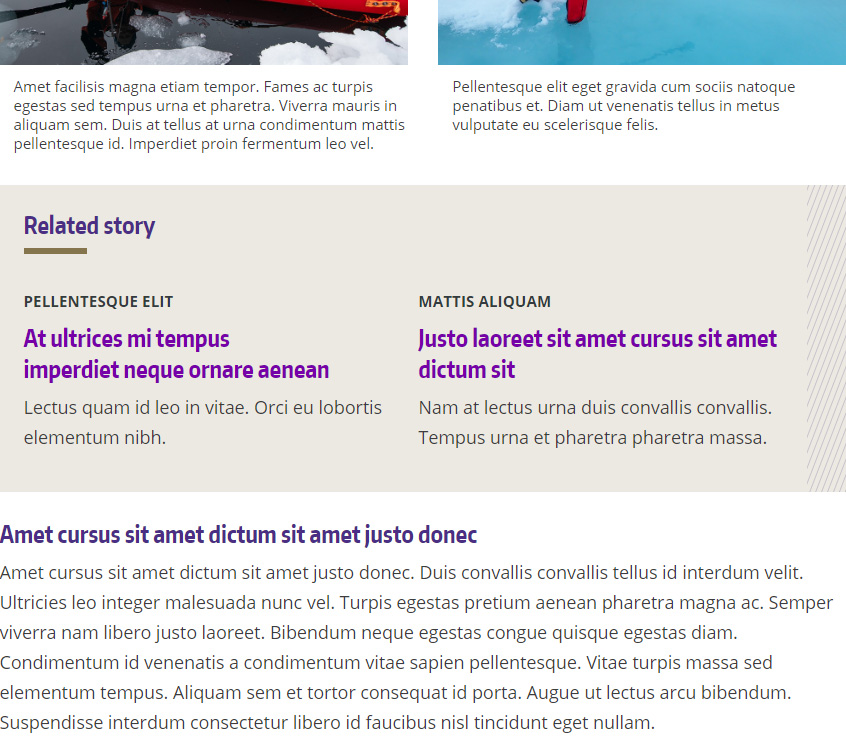
Code
<div class="p-4 my-3 bg-info" style="border-right: 40px solid transparent; border-image: url(https://www.engr.washington.edu/sites/engr/files/imgs/diagonal-lines-vertical.png) 40">
<h3 class="mt-0">Related story</h3>
<div class="col-1" style="border-top: 6px solid #85754d"> </div>
<div class="row">
<div class="col-md-6">
<p class="small text-dark font-weight-bold my-2 text-uppercase">Tag</p>
<h4 class="h3 mt-0"><a href="#">Hereline goes here</a></h4>
<p>Body text goes here.</p>
</div>
<div class="col-md-6">
<p class="small text-dark font-weight-bold my-2 text-uppercase">Tag</p>
<h4 class="h3 mt-0"><a href="#">Hereline goes here</a></h4>
<p>Body text goes here.</p>
</div>
</div>
</div>
Story and Layout content type
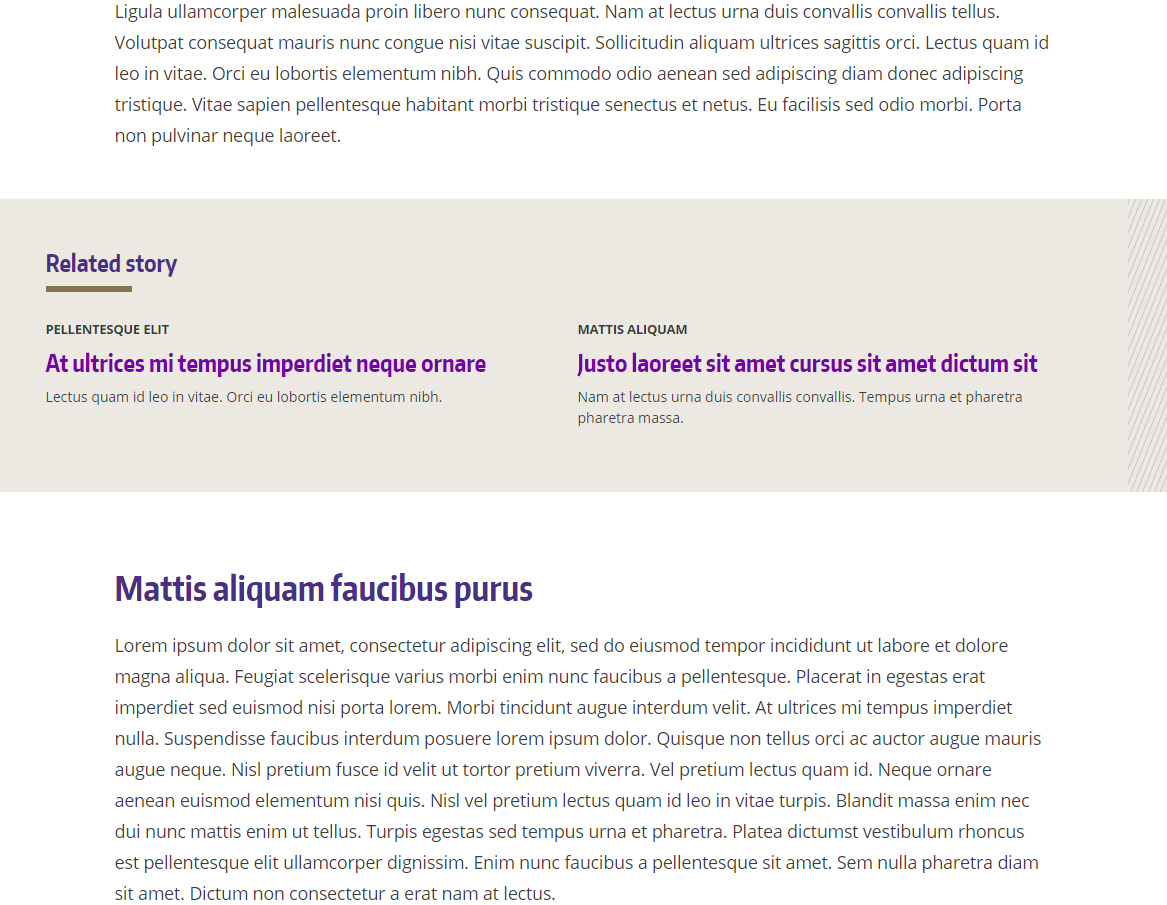
This block is slightly wider than body text and goes between paragraphs or sections.
Code
Place this code in a Custom Block.
<div class="p-5 container my-5 bg-info" style="border-right: 40px solid transparent; border-image: url(https://www.engr.washington.edu/sites/engr/files/imgs/diagonal-lines-vertical.png) 40">
<h3 class="mt-0">Related story</h3>
<div class="col-1" style="border-top: 6px solid #85754d"> </div>
<div class="row">
<div class="col-sm-6">
<p class="small text-dark font-weight-bold my-2 text-uppercase">Tag</p>
<h4 class="h3 mt-0"><a href="#">Headline goes here</a></h4>
<p>Body text goes here.</p>
</div>
<div class="col-sm-6">
<p class="small text-dark font-weight-bold my-2 text-uppercase">Tag</p>
<h4 class="h3 mt-0"><a href="#">Headline goes here</a></h4>
<p>Body text goes here.</p>
</div>
</div>
</div>
Link list
News and Page content type version
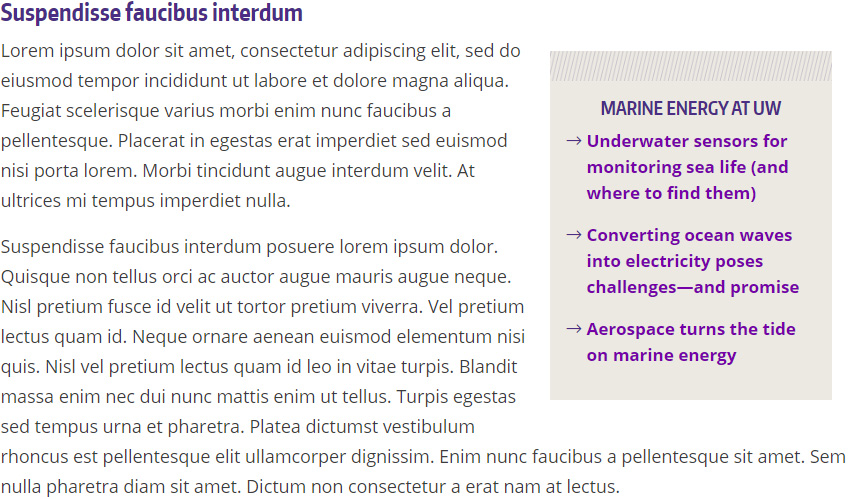
This block floats to the left or right of other page elements, allowing text to wrap around it.
Code
This code floats the block to the right of page content. To float left, change float-sm-right to float-sm-left.
<div class="my-3 mx-sm-3 float-sm-right col-lg-4 col-md-6 p-0">
<div class="p-3 bg-info" style="border-top: 30px solid transparent; border-image: url(https://www.engr.washington.edu/sites/engr/files/imgs/diagonal-lines-border.png) 30">
<h3 class="h4 mt-0 text-uppercase text-center">Marine energy at UW</h3>
<div class="row mb-3">
<div class="col-1 px-3"><i class="fal fa-long-arrow-right text-primary"> </i></div>
<div class="col-10 px-1"><strong><a href="https://www.washington.edu/news/2018/12/13/new-underwater-sensors-for-sea-life/">Underwater sensors for monitoring sea life (and where to find them)</a></strong></div>
</div>
<div class="row mb-3">
<div class="col-1 px-3"><i class="fal fa-long-arrow-right text-primary"> </i></div>
<div class="col-10 px-1"><strong><a href="https://magazine.washington.edu/feature/converting-ocean-waves-into-electricity-poses-challenges-and-promise/">Converting ocean waves into electricity poses challenges—and promise</a></strong></div>
</div>
<div class="row mb-3">
<div class="col-1 px-3"><i class="fal fa-long-arrow-right text-primary"> </i></div>
<div class="col-10 px-1"><strong><a href="https://www.aa.washington.edu/news/article/2020-04-29/aerospace-turns-tide-marine-energy">Aerospace turns the tide on marine energy</a></strong></div>
</div>
</div>
</div>
Story and Layout content type
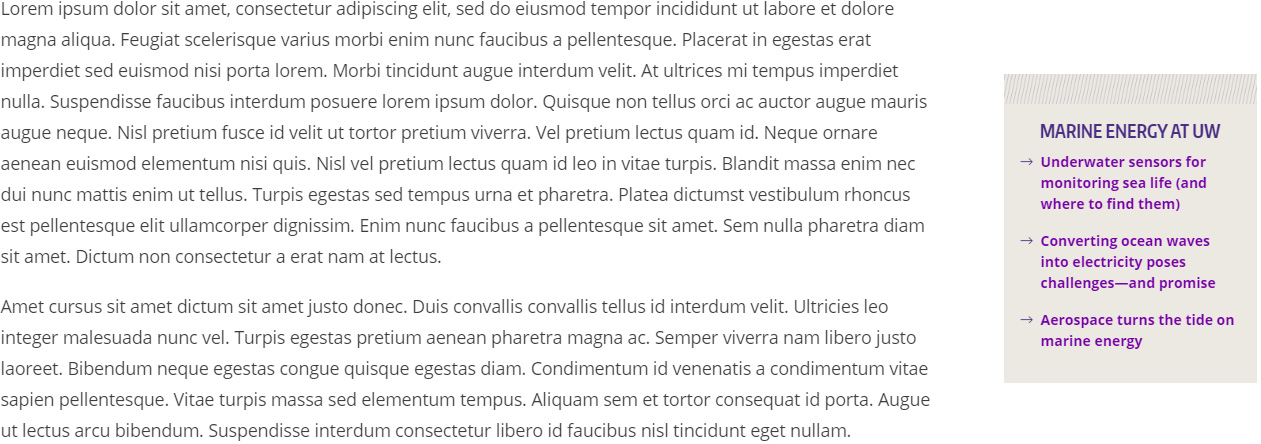
This block goes in the sidebar, to the right of the main content. Text will not wrap around it.
Code
Place this code in the "Aside Text" within a "Copy Block with Aside" block. The CSS only needs to be on the page once; it's not needed if it's already in another block.
<style type="text/css">
.uwcoe-stories-aside {padding: 0;}
</style>
<div class="p-3 bg-info" style="border-top: 30px solid transparent; border-image: url(https://www.engr.washington.edu/sites/engr/files/imgs/diagonal-lines-border.png) 30">
<h3 class="h4 mt-0 text-uppercase text-center">Headline goes here</h3>
<div class="row mb-3">
<div class="col-1 px-3"><i class="fal fa-long-arrow-right text-primary"> </i></div>
<div class="col-10 px-1"><strong><a href="#">Link text</a></strong></div>
</div>
<div class="row mb-3">
<div class="col-1 px-3"><i class="fal fa-long-arrow-right text-primary"> </i></div>
<div class="col-10 px-1"><strong><a href="#">Link text</a></strong></div>
</div>
<div class="row mb-3">
<div class="col-1 px-3"><i class="fal fa-long-arrow-right text-primary"> </i></div>
<div class="col-10 px-1"><strong><a href="#">Link text</a></strong></div>
</div>
</div>