
The related content block is used to highlight related content such as news, stories or research. Multiple options are available.
New!
Three-across
This new Drupal 2.0 block can be used with or without a background. We recommend using the dedicated background image for this section to maintain consistency across the site. It is available in every site's media library named related-content-bg.jpg.
Click on the "gear" icon in the editor to add your keywords, research terms, tags, etc to filter the feed.


New portable blood analyzer could improve anemia detection worldwide
A research team, including ME associate professor Nathan Sniadecki, has developed a device to monitor anemia that is smaller than a toaster. About one quarter of the world’s population suffers from anemia, but current methods for analyzing blood require hands-on expertise to prepare and run a sample, limiting the ability to monitor anemia in many parts of the world. This new device requires only a few drops of blood for analysis and does not require additional steps to prepare the sample.

Lisa M. Zurk named executive director of UW Applied Physics Laboratory
Lisa Zurk will be the next executive director of the Applied Physics Laboratory at the University of Washington (APL-UW), Vice Provost for Research Mary Lidstrom announced this week. She will be the first woman to hold the position of executive director of APL-UW. Zurk comes to the UW from the Defense Advanced Research Projects Agency (DARPA), where she directed allocation of the nation’s research investments. As a program manager in the agency’s Strategic Technology Office, her area of interest was physics-based processing techniques applied to advanced sensor system concepts.
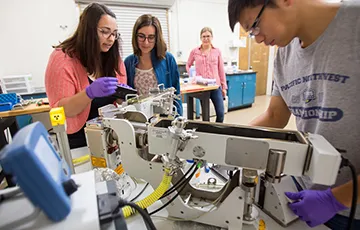
UW to host $15.6M NSF-funded center for innovation, education in materials science
The new Molecular Engineering Materials Center's goal is to empower the next generation of science and engineering leaders. This will involve engaging and supporting students and postdoctoral researchers — and giving them the research and educational experiences, training and cross-disciplinary mentorship that they will need to forge careers on the cutting edge of materials science. The Molecular Engineering Materials Center is funded by a $15.6 million, six-year grant from the National Science Foundation as part of its highly competitive Materials Research Science and Engineering Center (MRSEC) program.
News or stories versions
Each non-Drupal 2.0 option has a version for News pages and a version for Story pages. News pages are used for all news stories and some featured stories. Story pages are used for media-heavy featured stories, known as "immersive stories," and other content that contains a lot of images and media.
Single item vertical
News and Page content type version
This block floats to the left or right of other page elements, allowing text to wrap around it.
Live example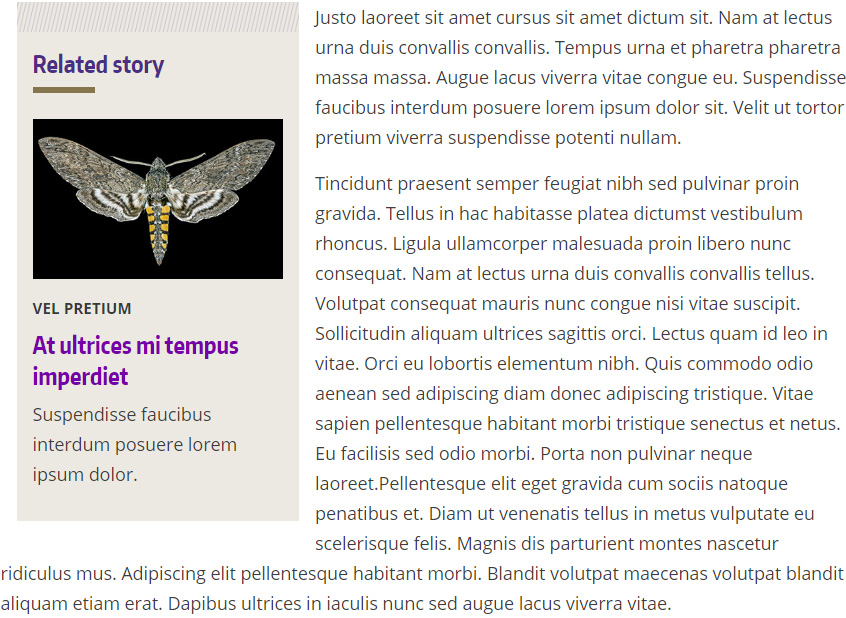
Code
This code floats the block to the left of page content. To float right, change float-sm-left to float-sm-right.
<div class="mb-3 mr-sm-3 float-sm-left col-lg-4 col-md-6 p-0">
<div class="p-3 bg-info" style="border-top: 30px solid transparent; border-image: url(https://www.engr.washington.edu/sites/engr/files/imgs/diagonal-lines-border.png) 30">
<h3 class="mt-0">Related story</h3>
<div class="w-25" style="border-top: 6px solid #85754d"> </div>
<img alt="#" class="mb-2" loading="lazy" src="img.jpg">
<p class="small text-dark font-weight-bold my-2 text-uppercase">Tag</p>
<h4 class="h3 mt-0"><a href="#">Headline goes here</a></h4>
<p>Body text goes here.</p>
</div>
</div>
Story and Layout content type
This block goes in the sidebar, to the right of the main content. Text will not wrap around it.
Live example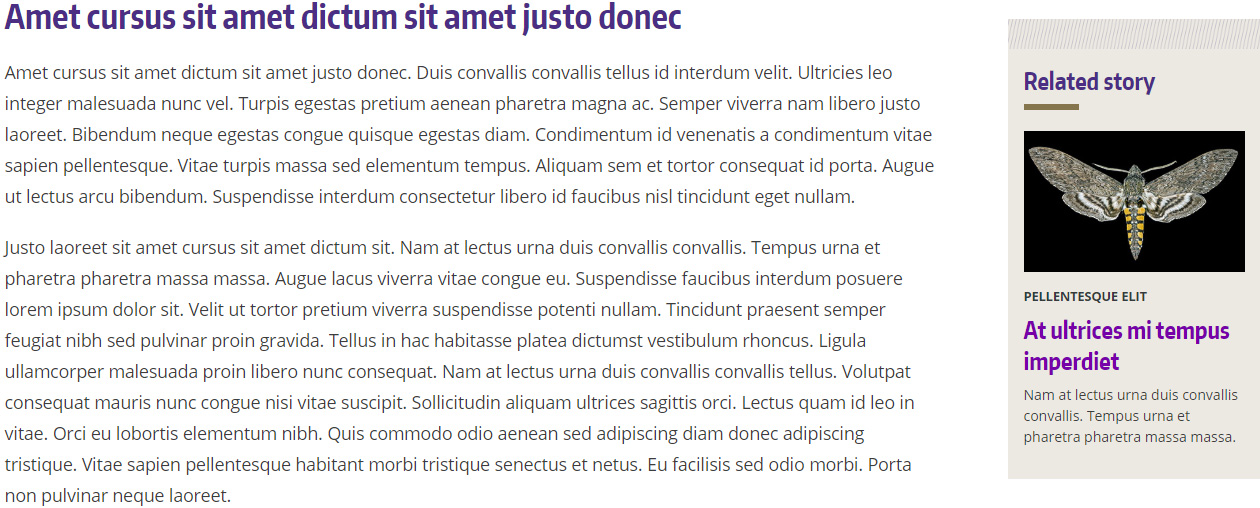
Code
Place this code in the "Aside Text" within a "Copy Block with Aside" block. The CSS only needs to be on the page once; it's not needed if it's already in another block.
<style type="text/css">
.uwcoe-stories-aside {padding: 0;}
</style>
<div class="p-3 bg-info" style="border-top: 30px solid transparent; border-image: url(https://www.engr.washington.edu/sites/engr/files/imgs/diagonal-lines-border.png) 30">
<h3 class="mt-0">Related story</h3>
<div class="w-25" style="border-top: 6px solid #85754d"> </div>
<img alt="alt text" class="mb-2" loading="lazy" src="img.jpg" />
<p class="small text-dark font-weight-bold my-2 text-uppercase">Tag</p>
<h4 class="h3 mt-0"><a href="#">Headline goes here</a></h4>
<p>Body text goes here.</p>
</div>
Two items vertical
News and Page content type version
This block floats to the left or right of other page elements, allowing text to wrap around it.
Live example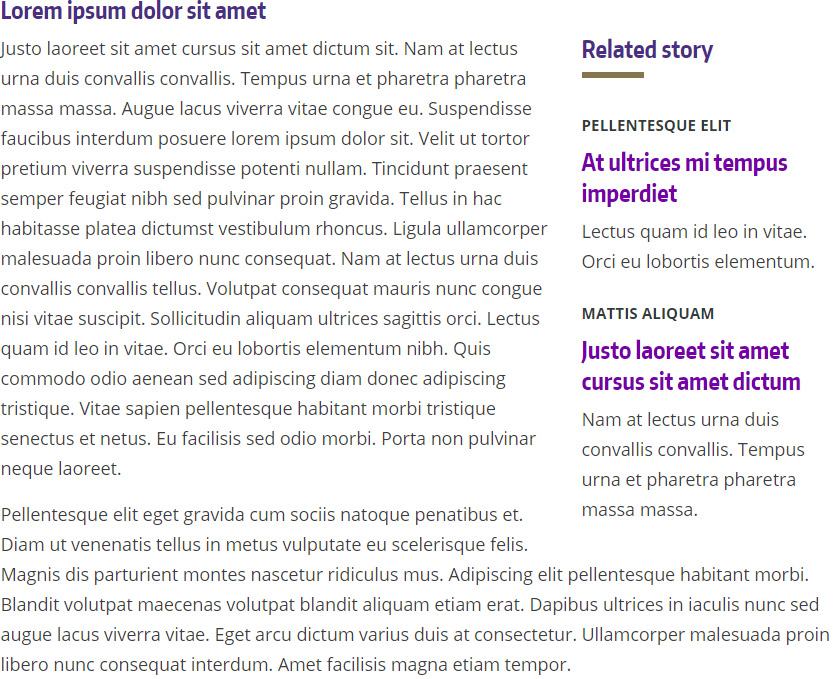
Code
This code floats the block to the right of page content. To float left, change float-sm-right to float-sm-left.
<div class="mb-3 float-sm-right col-lg-4 col-md-6 p-0">
<div class="px-4 bg-white">
<h3 class="mt-0">Related story</h3>
<div class="w-25" style="border-top: 6px solid #85754d"> </div>
<p class="small text-dark font-weight-bold my-2 text-uppercase">Tag</p>
<h4 class="h3 mt-0"><a href="#">Headline goes here</a></h4>
<p class="mb-4">Body text goes here.</p>
<p class="small text-dark font-weight-bold my-2 text-uppercase">Tag</p>
<h4 class="h3 mt-0"><a href="#">Headline goes here</a></h4>
<p>Body text goes here.</p>
</div>
</div>
Story and Layout content type
This block goes in the sidebar, to the right of the main content. Text will not wrap around it.
Live example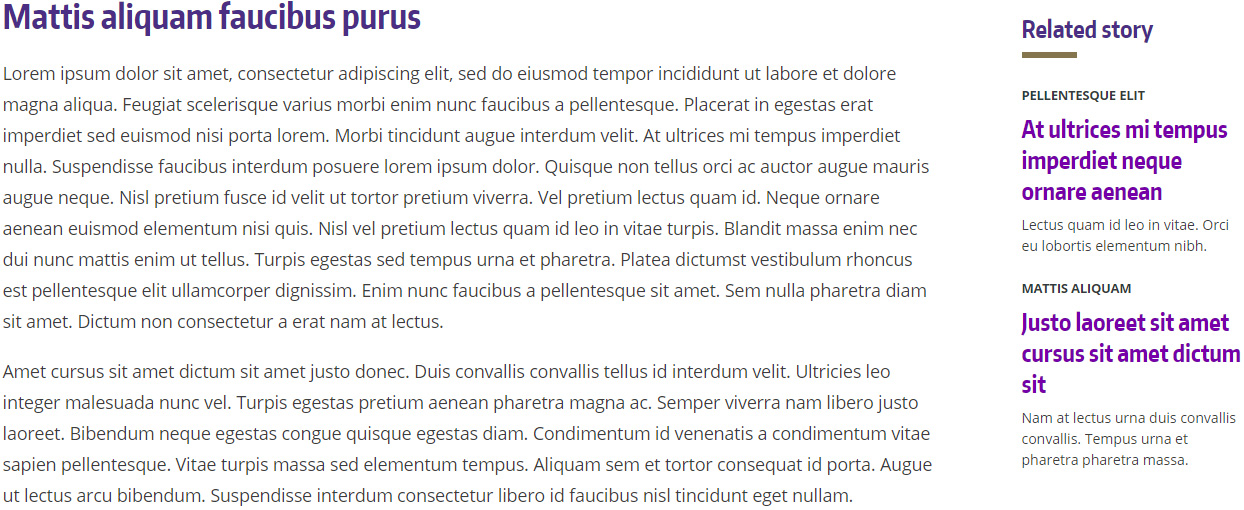
Code
Place this code in the "Aside Text" within a "Copy Block with Aside" block. The CSS only needs to be on the page once; it's not needed if it's already in another block.
<style type="text/css">
.uwcoe-stories-aside {padding: 0;}
</style>
<div class="p-3 bg-white">
<h3 class="mt-0">Related story</h3>
<div class="w-25" style="border-top: 6px solid #85754d"> </div>
<p class="small text-dark font-weight-bold my-2 text-uppercase">Tag</p>
<h4 class="h3 mt-0"><a href="#">Headline goes here</a></h4>
<p class="mb-4">Body text goes here.</p>
<p class="small text-dark font-weight-bold my-2 text-uppercase">Tag</p>
<h4 class="h3 mt-0"><a href="#">Headline goes here</a></h4>
<p>Body text goes here.</p>
</div>
Two items horizontal
News and Page content type version
This block spans the width of the page and goes between paragraphs or sections.
Live example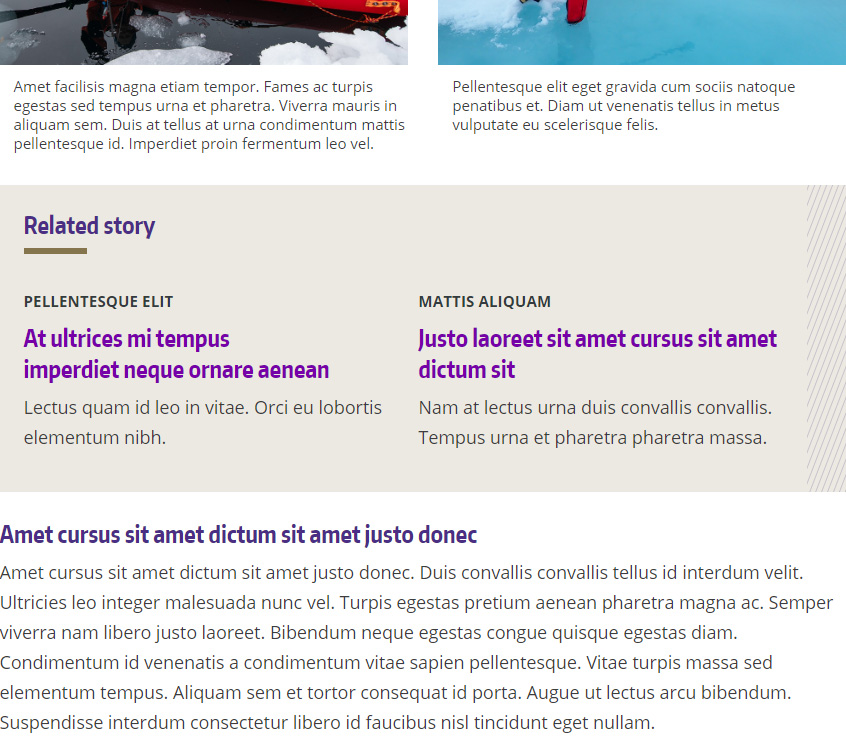
Code
<div class="p-4 my-3 bg-info" style="border-right: 40px solid transparent; border-image: url(https://www.engr.washington.edu/sites/engr/files/imgs/diagonal-lines-vertical.png) 40">
<h3 class="mt-0">Related story</h3>
<div class="col-1" style="border-top: 6px solid #85754d"> </div>
<div class="row">
<div class="col-md-6">
<p class="small text-dark font-weight-bold my-2 text-uppercase">Tag</p>
<h4 class="h3 mt-0"><a href="#">Hereline goes here</a></h4>
<p>Body text goes here.</p>
</div>
<div class="col-md-6">
<p class="small text-dark font-weight-bold my-2 text-uppercase">Tag</p>
<h4 class="h3 mt-0"><a href="#">Hereline goes here</a></h4>
<p>Body text goes here.</p>
</div>
</div>
</div>
Story and Layout content type
This block is slightly wider than body text and goes between paragraphs or sections.
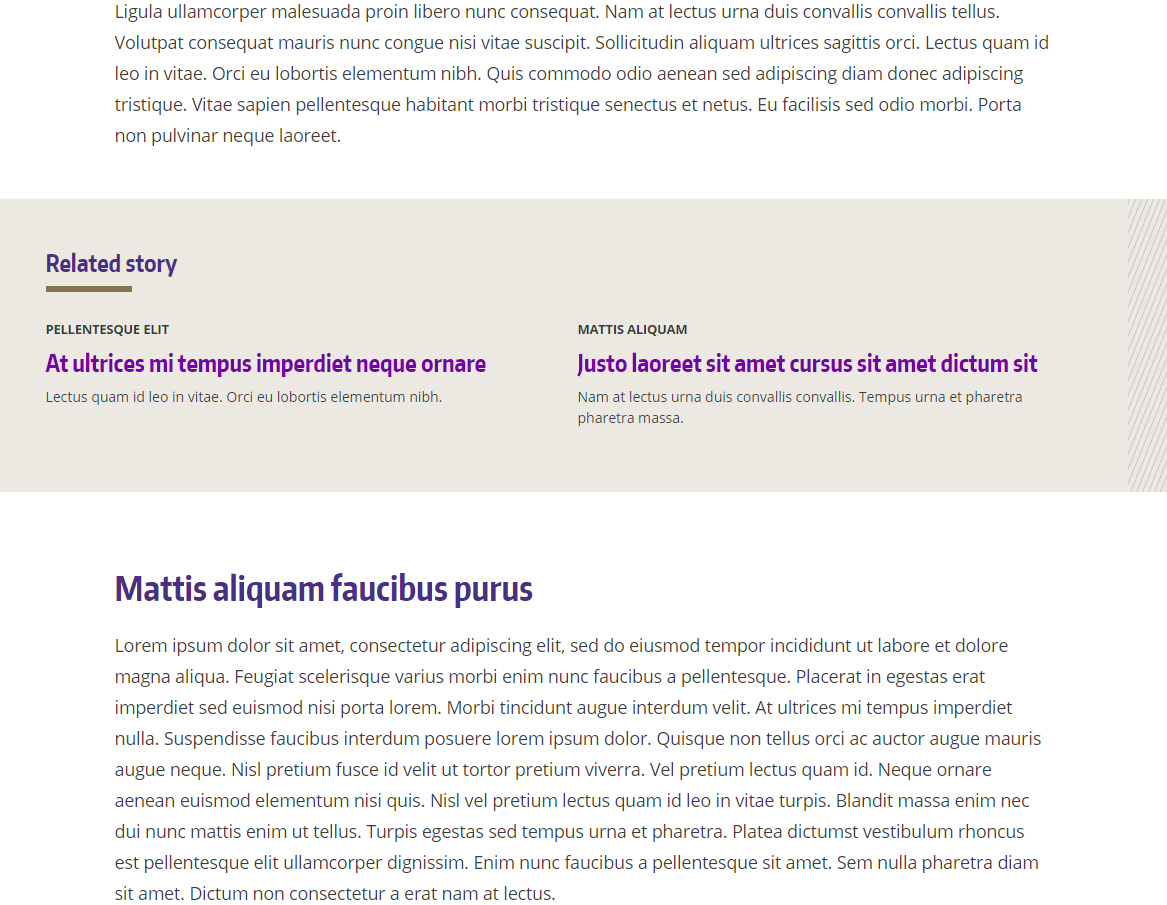
Code
Place this code in a Custom Block.
<div class="p-5 container my-5 bg-info" style="border-right: 40px solid transparent; border-image: url(https://www.engr.washington.edu/sites/engr/files/imgs/diagonal-lines-vertical.png) 40">
<h3 class="mt-0">Related story</h3>
<div class="col-1" style="border-top: 6px solid #85754d"> </div>
<div class="row">
<div class="col-sm-6">
<p class="small text-dark font-weight-bold my-2 text-uppercase">Tag</p>
<h4 class="h3 mt-0"><a href="#">Headline goes here</a></h4>
<p>Body text goes here.</p>
</div>
<div class="col-sm-6">
<p class="small text-dark font-weight-bold my-2 text-uppercase">Tag</p>
<h4 class="h3 mt-0"><a href="#">Headline goes here</a></h4>
<p>Body text goes here.</p>
</div>
</div>
</div>
Link list
News and Page content type version
This block floats to the left or right of other page elements, allowing text to wrap around it.
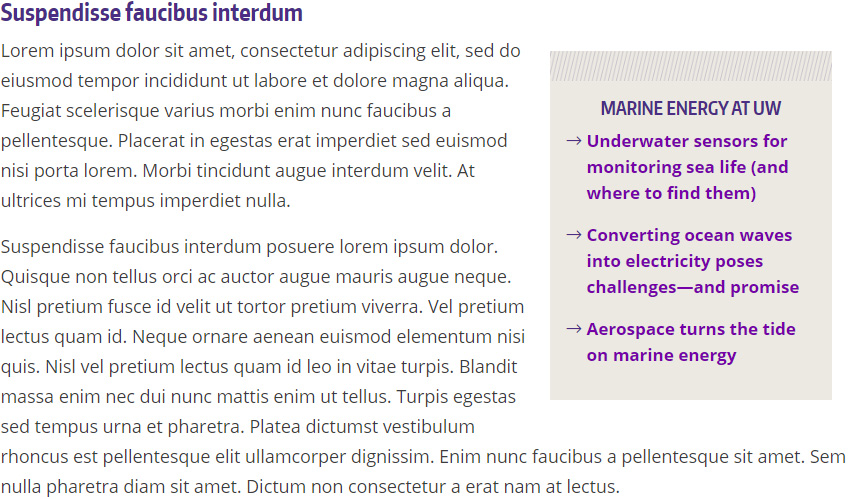
Code
This code floats the block to the right of page content. To float left, change float-sm-right to float-sm-left.
<div class="my-3 mx-sm-3 float-sm-right col-lg-4 col-md-6 p-0">
<div class="p-3 bg-info" style="border-top: 30px solid transparent; border-image: url(https://www.engr.washington.edu/sites/engr/files/imgs/diagonal-lines-border.png) 30">
<h3 class="h4 mt-0 text-uppercase text-center">Marine energy at UW</h3>
<div class="row mb-3">
<div class="col-1 px-3"><i class="fal fa-long-arrow-right text-primary"> </i></div>
<div class="col-10 px-1"><strong><a href="https://www.washington.edu/news/2018/12/13/new-underwater-sensors-for-sea-life/">Underwater sensors for monitoring sea life (and where to find them)</a></strong></div>
</div>
<div class="row mb-3">
<div class="col-1 px-3"><i class="fal fa-long-arrow-right text-primary"> </i></div>
<div class="col-10 px-1"><strong><a href="https://magazine.washington.edu/feature/converting-ocean-waves-into-electricity-poses-challenges-and-promise/">Converting ocean waves into electricity poses challenges—and promise</a></strong></div>
</div>
<div class="row mb-3">
<div class="col-1 px-3"><i class="fal fa-long-arrow-right text-primary"> </i></div>
<div class="col-10 px-1"><strong><a href="https://www.aa.washington.edu/news/article/2020-04-29/aerospace-turns-tide-marine-energy">Aerospace turns the tide on marine energy</a></strong></div>
</div>
</div>
</div>
Story and Layout content type
This block goes in the sidebar, to the right of the main content. Text will not wrap around it.
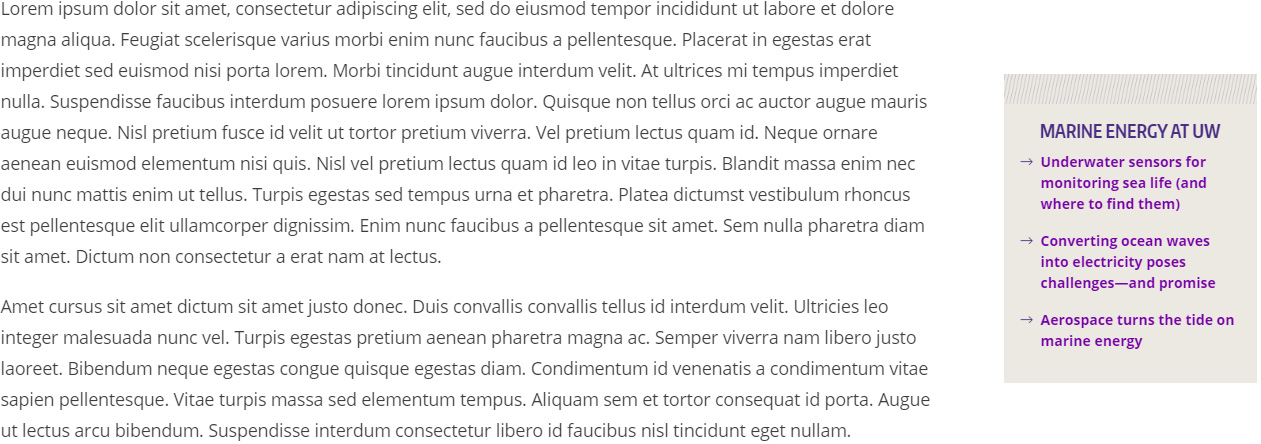
Code
Place this code in the "Aside Text" within a "Copy Block with Aside" block. The CSS only needs to be on the page once; it's not needed if it's already in another block.
<style type="text/css">
.uwcoe-stories-aside {padding: 0;}
</style>
<div class="p-3 bg-info" style="border-top: 30px solid transparent; border-image: url(https://www.engr.washington.edu/sites/engr/files/imgs/diagonal-lines-border.png) 30">
<h3 class="h4 mt-0 text-uppercase text-center">Headline goes here</h3>
<div class="row mb-3">
<div class="col-1 px-3"><i class="fal fa-long-arrow-right text-primary"> </i></div>
<div class="col-10 px-1"><strong><a href="#">Link text</a></strong></div>
</div>
<div class="row mb-3">
<div class="col-1 px-3"><i class="fal fa-long-arrow-right text-primary"> </i></div>
<div class="col-10 px-1"><strong><a href="#">Link text</a></strong></div>
</div>
<div class="row mb-3">
<div class="col-1 px-3"><i class="fal fa-long-arrow-right text-primary"> </i></div>
<div class="col-10 px-1"><strong><a href="#">Link text</a></strong></div>
</div>
</div>